By
AgilePoint
March 17, 2026
•
9
min read


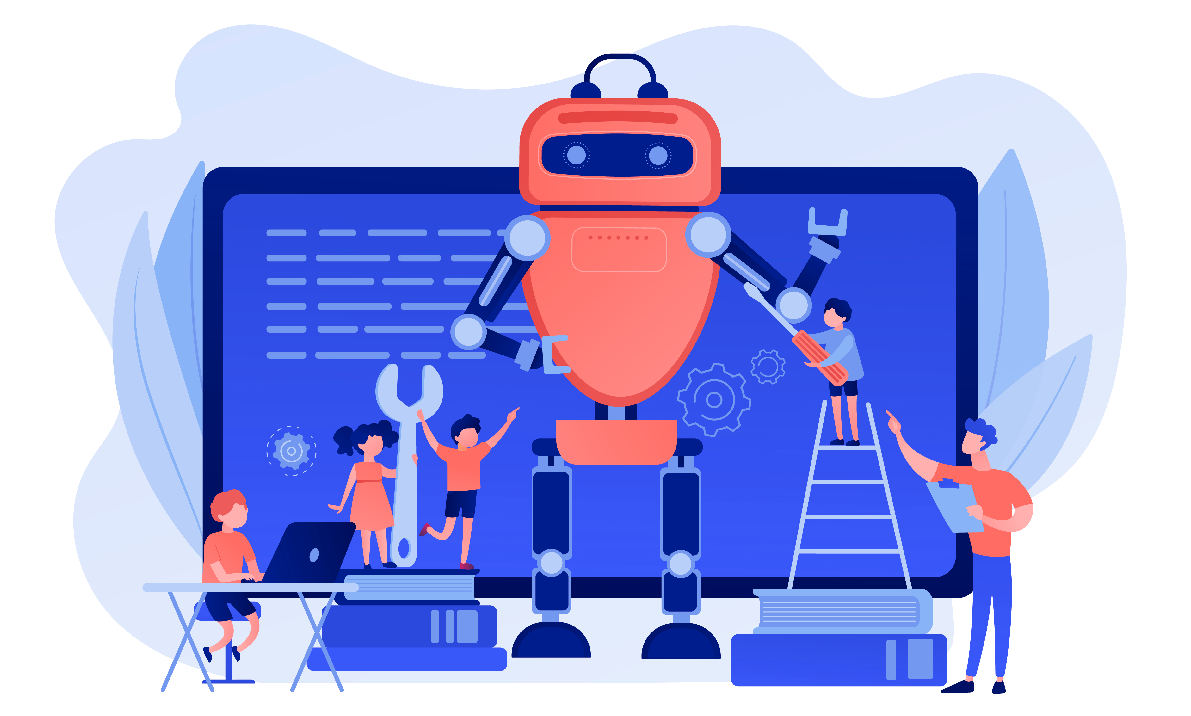
Before we get into how Robotic Process Automation (RPA) works, let’s get one thing clear: what is robotic process automation? RPA is business process automation that uses software robots to carry out repetitive tasks by mimicking human actions in the user interface, just like a person would. That’s why RPA tools can still help when existing systems remain in place and you’re dealing with integration gaps across legacy systems.
Next, we’ll walk through the real deployment lifecycle, where human intervention still matters, and how intelligent automation expands what RPA can handle when you bring in AI, machine learning, and technologies like optical character recognition.
Most RPA implementations start by automating repetitive tasks humans do every day: moving data, filling forms, reconciling records, or running reports. Turning these into automated processes reduces human intervention, cuts human error, and frees employees for more complex tasks.
A 2023 Deloitte automation survey found that organizations combining automation technologies can reduce process costs by 30–50%, proving the rapid value of RPA tools in real operations.
Other major benefits of robotic process automation include:
RPA is process-driven and excels at routine processes with structured data. AI, including machine learning, natural language processing, and computer vision, is more useful when the inputs are messy or ambiguous. When teams talk about digital transformation efforts, what they often mean is this: existing systems remain, but the work around them has to get smarter and more resilient.
In practice, RPA bots handle the clicks and system integration steps, while AI helps with extract data tasks like optical character recognition (OCR) for scanned invoices, classification of incoming emails, or reading unstructured fields. Together, that pattern is often labeled intelligent process automation or cognitive automation. It's a broader toolkit for more complex business processes.
A successful automation platform rollout is less about “building a bot” and more about building repeatable delivery. Here’s a deployment lifecycle that keeps RPA robots useful after the first demo.
Start with repetitive tasks that are rule-based, high-volume, and painful. These are usually routine tasks that business users know by muscle memory. They also tend to be the places where customer experience suffers because delays and manual handoffs pile up. Good candidates often include:
The goal is not to automate everything. The goal is to automate repetitive work that does not need constant human judgment. If the workflow depends on interpretation, negotiation, or exceptions every other time, you may still automate parts of it, but you will likely need AI support or a designed human interaction step.
Once you pick the workflow, map it the way it actually runs, not the way the policy document says it runs. This is where you define:
This translation work matters because RPA bots do exactly what you tell them. They are great at consistent execution, but they do not improvise. If you skip exception handling, the bot becomes brittle. If you skip validation, the bot can spread bad data faster than a person ever could. That is why “automate repetitive” is not the same thing as “automate carelessly.”
Most RPA tools provide a design environment where builders create automated processes using actions like “open application,” “click button,” “read field,” “write value,” “send email,” and “update record.” Under the hood, these steps are still just mimicking human actions, but packaged into a repeatable workflow.
Microsoft describes the core idea cleanly: “With RPA, you automate applications by teaching Power Automate to mimic the mouse movements and keyboard entries of a human user.” That is why RPA can still work even when an app has no connector or clean enterprise web services layer.
Deployment choices matter here:
At this phase, teams also set up the practical controls that keep RPA implementations safe at scale: credential handling, access control, environment separation, and release management. If you skip that, you are not deploying RPA bots, you are deploying future incident tickets.
Once deployed, RPA robots run the workflow across the applications you already use: web apps, CRMs, ERPs, ticketing tools, shared inboxes, and legacy systems. This is the execution layer of advanced automation.
There are two main ways bots interact with systems:
The best programs use both. UI automation is valuable when system integration is missing or blocked. APIs are valuable when they exist and are stable, because they are less likely to break when a screen changes.
Teams also expand scope here. A bot that starts as “enter invoices” often grows into “validate invoices, route exceptions, update downstream systems, notify stakeholders.” That is how task automation turns into real business process automation.
RPA is not “set it and forget it.” Apps change. Login flows change. UIs change. Rules change. Compliance requirements change. The only way automation expands safely is by monitoring bot health and treating automation like software. This phase after you implement RPA technology includes:
UiPath’s documentation is direct about what audit logs capture: “The Audit Logs page captures actions performed from the Admin pages and log in activity for the organization.” That matters when you need traceability for who changed what, when bots ran, and how access was managed.
This is also where teams decide whether to add AI capabilities. OCR for document intake, computer vision for unstable screens, or natural language processing for emails can help RPA software handle more complex tasks. The key is to add those pieces only where they reduce failure modes, not because “AI” sounds exciting.
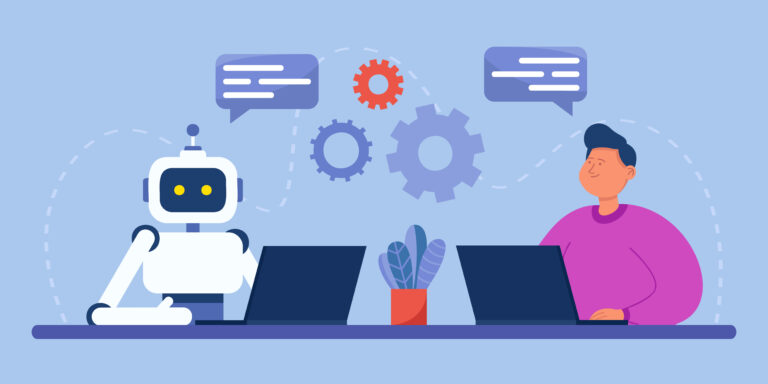
RPA works where integration gaps exist and bots can mimic human interaction with the user interface. Traditional automation often depends on backend integration or custom development. RPA bots follow only the processes defined by an end user, while AI bots use machine learning to recognize patterns in data.
Intelligent automation is the strategic combination of RPA + AI + machine learning, handled together to automate more complex tasks, such as classification of unstructured data, computer vision for text extraction, or natural language understanding for emails. According to analysis of automation concepts, intelligent automation weaves AI into RPA to support broader, more adaptable workflows.
Gartner predicts that by 2026, 30% of enterprises will automate more than half of key activities across digital systems, showing the expanding role of intelligent automation in business functions.
Invoice processing is one of the most common early wins for RPA because it’s high-volume, rule-based, and repetitive. In one real-world example of robotic process automation, Fleet Innovation’s finance team notes that processing purchase invoices manually wasn’t a smart use of their time. RPA was deployed to handle high volumes of invoice work, freeing people to focus on value-added tasks instead of repetitive entry and validation.
Here’s what this looks like in practice:
"In repetitive routine work, a person always makes some mistakes, but the robot can be expected to follow the rules without exceptions." Jenna Rahunen, Finance Manager, Fleet Innovation.
RPA is widely used in the banking and financial services industry to automate tasks such as customer research, account opening, inquiry processing, and anti-money laundering.
RPA can deliver huge returns, but only when the underlying process is well-defined.
RPA amplifies the quality of your process, good or bad.
That means if a process is messy, automation simply locks in the mess faster. Other real-world pitfalls include:
Scaling RPA often requires disciplined governance, monitoring, and continuous improvement, not just more robots.
If your teams are still stuck doing repetitive tasks to move information between apps, RPA is often the most practical path to business process automation without ripping out what you already rely on. It works especially well when integration gaps exist, when legacy systems are still core, and when the work is rule-based and predictable.
If you want to move from pilot scripts to a real automation program, you need more than bots. You need orchestration, governance, and a way to connect automated processes across systems and teams.
Contact AgilePoint to talk through your current workflow, your integration constraints, and where RPA, AI-assisted automation, and cross-system orchestration make sense in your environment. If you can describe one painful workflow, AgilePoint can help you map it, prioritize it, and get a production-ready automation plan in motion.



.png)
.png)


.jpg)

%20(2).webp)


-1280w.avif)