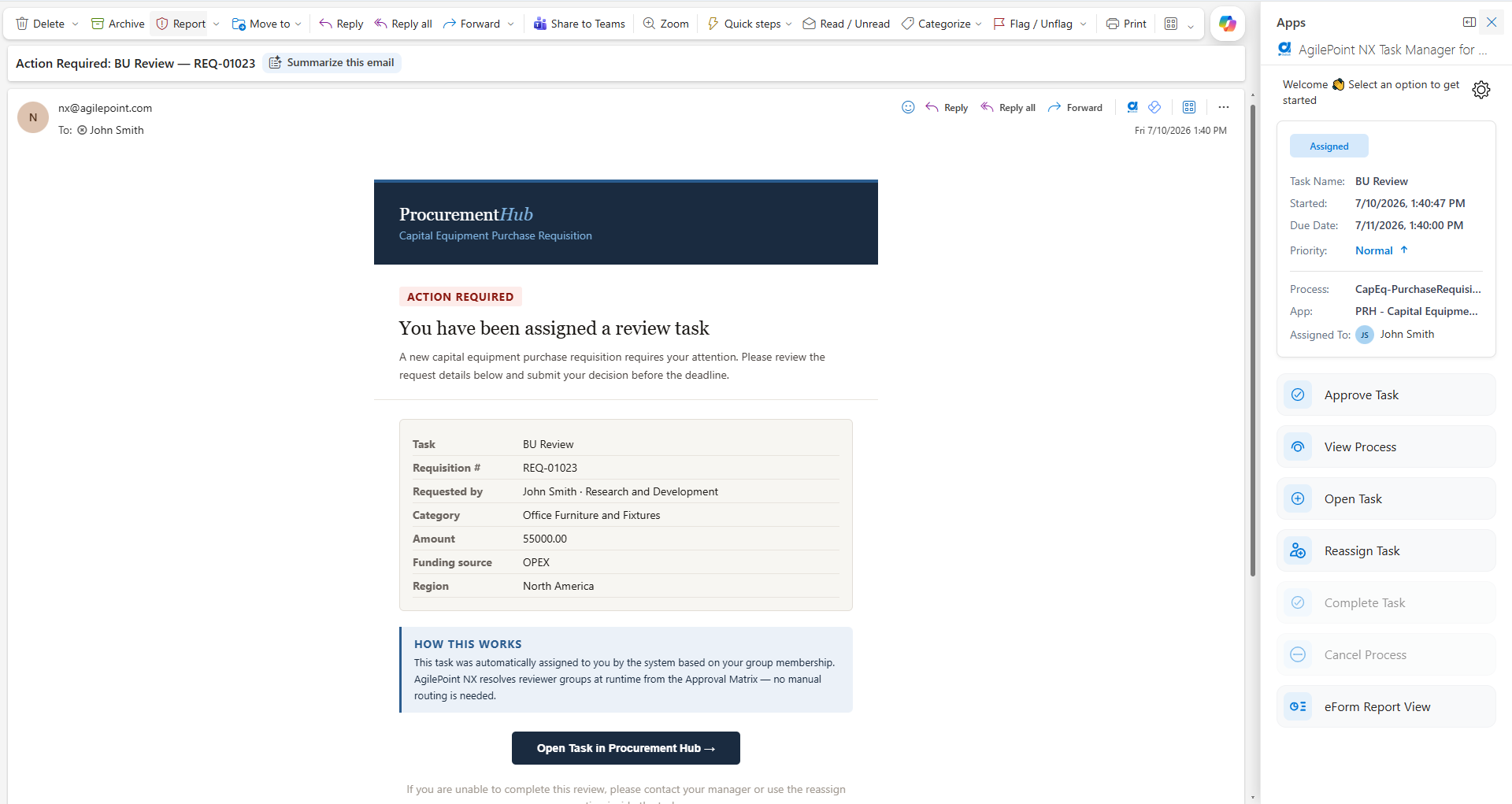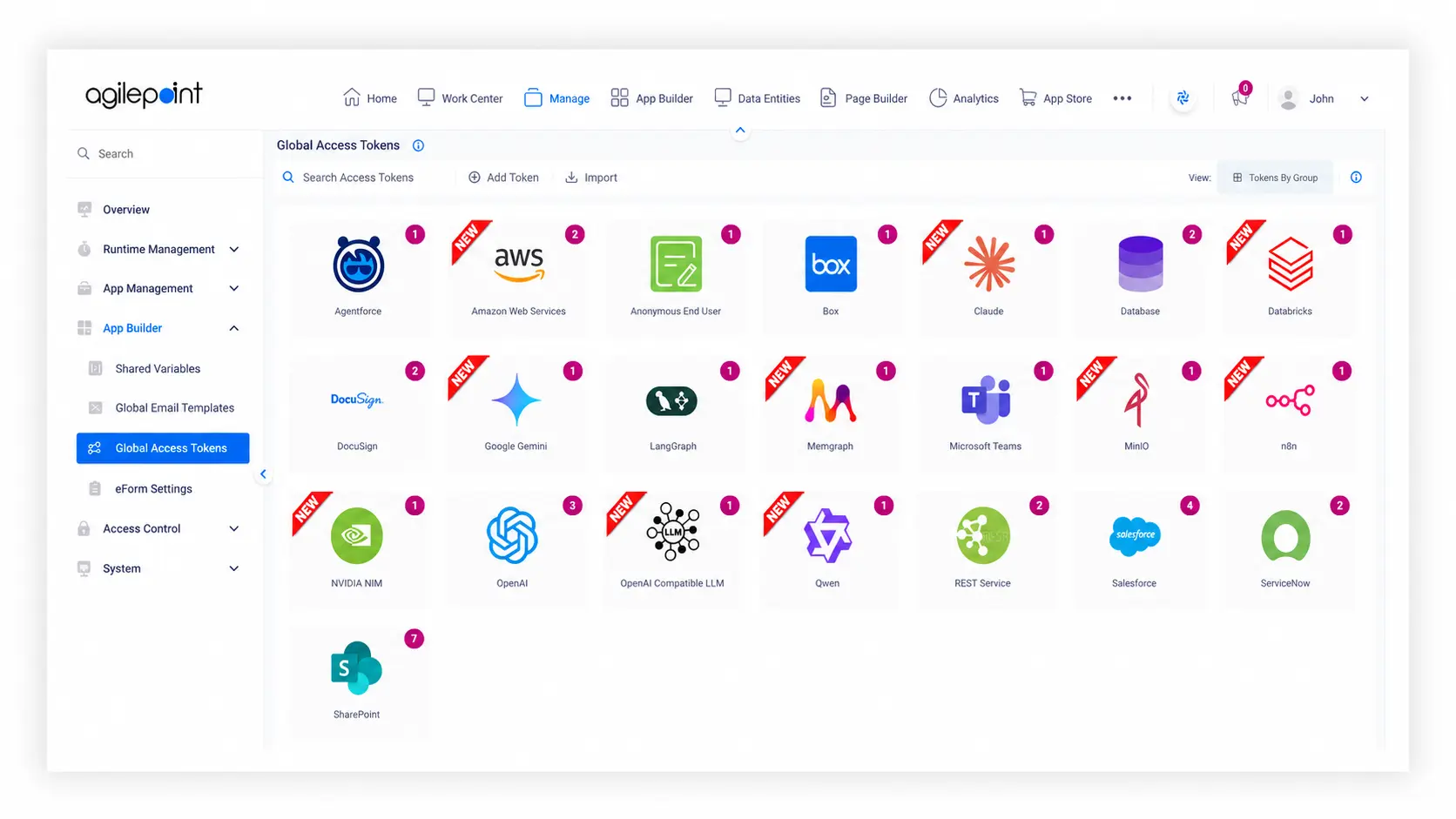

Most teams aren't short on tools; they're short on time. People spend hours on routine tasks that feel necessary but mind-numbing, while the real work waits in the background.
Robotic process automation (RPA) is simply software that takes those digital tasks off your plate. The easiest way to see where it fits is to look at real companies, real workflows, and specific examples you can map to your own environment.
Introduction
Real examples of robotic process automation show where software robots fit, how they behave beside human workers, and what changes when routine processes move off spreadsheets and email. These are just a few of the ways certain industries use RPA.
- Banking and insurance use RPA technology to move customer data between multiple systems and speed up account, loan, and claims work.
- Healthcare and life sciences teams use automation and intelligent document processing to extract key data from forms and cut data entry errors.
- Manufacturing and supply chain management teams use RPA tools for inventory management, order status, and processing transactions more reliably.
- HR, finance, and shared services use software bots to handle onboarding process steps, payroll processing, and other routine tasks so people can focus on high-value tasks.
Business Benefits of Intelligent Automation with RPA
If you've ever wondered, "what is robotic process automation?", then you're at the right place. At its core, robotic process automation RPA is about automating repetitive tasks that follow clear rules. Instead of people spending hours on data processing and report generation, an RPA solution handles the clicks and keystrokes and hands over clean outputs for review.
The biggest benefits of robotic process automation show up where manual tasks create human errors and data entry errors. When a software bot moves key data between systems the same way every time, you get more consistent compliance reporting and better visibility across the finance function and wider business operations.
RPA software also supports business process automation across departments. It frees human workers from tedious tasks so they can focus on analysis, decisions, and human interactions with customers and colleagues. As part of a broader digital transformation journey, it improves operational efficiency without asking teams to abandon the tools they already know.
How Robotic Process Automation Uses Artificial Intelligence for Business Processes
Classic RPA handles rule-based tasks: open an app, pull a file, copy fields, update a form. Many real projects now pair that pattern with artificial intelligence and machine learning so bots can work with messier inputs.
A common robotic process automation example is invoice processing. Intelligent document processing and optical character recognition scan invoices, pull out supplier details and amounts, then hand-structured data to an RPA bot to validate, code, and route. The same idea works for claims, customer requests, and other documents. AI handles recognition and interpretation, RPA tools handle digital tasks inside systems, and together they turn long chains of work that used to need constant human intervention into reliable, end-to-end automation.
Top Real-World Robotic Process Automation Examples (Use Cases)
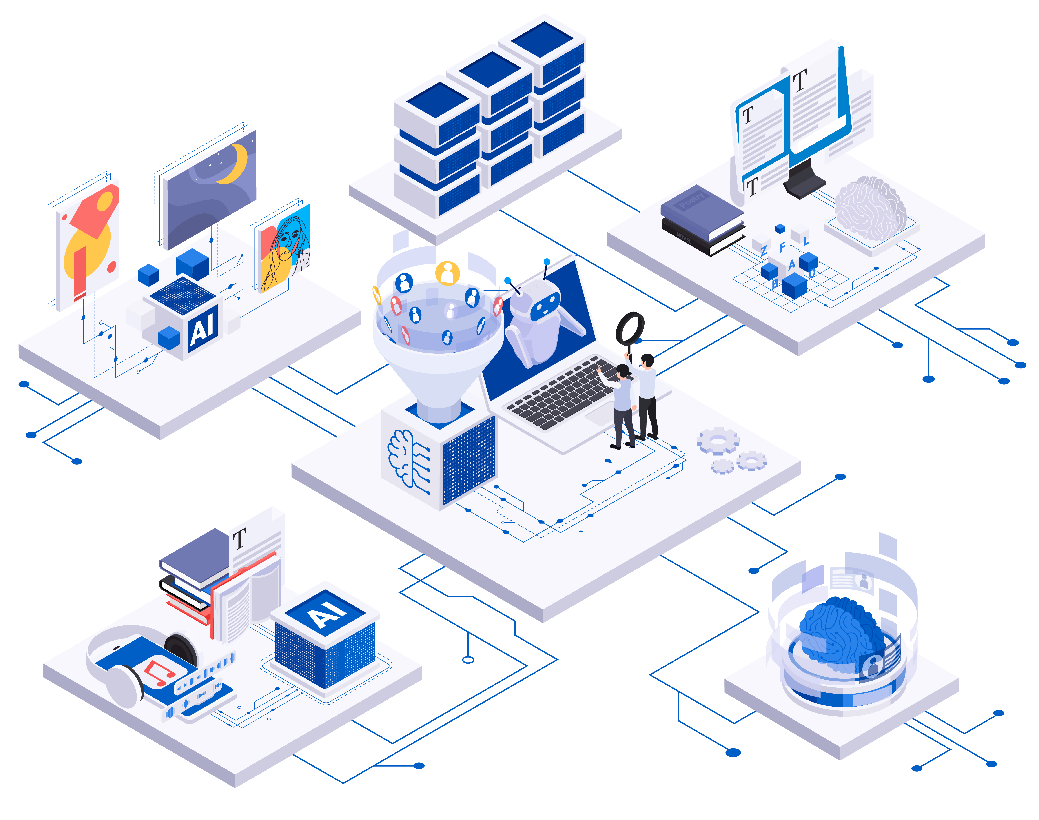
RPA shows up anywhere routine processes, digital tasks, and high-volume clicks slow people down. Here are some grounded patterns you can map to your own internal processes.
RPA Use Cases in Banking, Insurance, and Financial Services
Banks and insurers are packed with rule-based work. RPA technology and banking automation software move customer data between onboarding tools, risk engines, and core systems so software robots can handle KYC checks, account opening, user provisioning, and simple compliance reporting. Insurance automation software often pairs RPA with forms recognition to extract key data from claims, validate policies, update core platforms, and support the finance function with cleaner reconciliations and faster report generation.
RPA Use Cases in Healthcare and Life Sciences
Hospitals and clinics deal with heavy documentation and strict patient and billing rules. Healthcare automation solutions use RPA and intelligent document processing to pull structured fields from referrals, lab reports, and claim forms, then load that into clinical and billing systems so bots can run eligibility checks, basic authorizations, and schedule updates with less manual effort and fewer follow-up calls.
RPA Use Cases in Manufacturing, Supply Chain, and Logistics
Manufacturing services automation usually focuses on connecting planning, production, and logistics. RPA tools sync orders, shipments, and inventory management across legacy systems and newer cloud tools so a software bot can update order status, move shipping details between carriers and ERPs, and support supply chain management by automating carrier booking, label generation, and exception routing, while humans focus on real exceptions and customer queries.
RPA Use Cases in Public Sector, Energy, and Utilities
Public sector agencies and utility providers sit on thick layers of forms, approvals, and regulations. RPA implementation here often starts with permit applications, benefits processing, or meter and billing adjustments, where an RPA solution receives digital forms, extracts key data fields, feeds case systems, and routes work to the right case worker, including routine contract updates and scheduled compliance reporting across stubborn legacy systems.
RPA Use Cases in Retail and Customer Operations
Retail and e-commerce run at high speed. RPA software moves order data from front-end sites into back-end ERPs, handles simple returns, and keeps pricing or catalog records aligned. At the same time, bots integrate customer data between CRM, order tools, and marketing platforms. With this, teams see fewer data processing delays, fewer customer complaints about bad information, and better overall customer satisfaction and customer experience.
RPA Use Cases in Human Resources and Employee Onboarding
HR sits where people and systems meet. RPA supports the onboarding process by letting software robots create accounts across multiple systems, trigger user provisioning, update payroll, and schedule welcome tasks after a manager submits a hire, then run similar flows for role changes and exits so HR and IT are not chasing checklists across digital systems and can focus on human interaction where it matters.
Quick-Win vs Long-Term RPA Examples
Not every robotic process automation example is equal. Quick wins are usually tightly scoped, rule-based flows such as simple invoice processing, basic payroll checks, or report generation where data sits in one or two systems. They are low risk, easy to test, and perfect for a first successful RPA implementation.
Longer-term efforts span multiple systems, teams, and exception paths, like end-to-end customer onboarding or full supply chain management. Those systems work best when RPA is part of a broader business process automation program, not a one-off script. The smartest roadmap mixes quick wins that prove value early with larger automation opportunities that build toward a bigger vision.
Challenges and Risks in Real-World RPA Use Cases
RPA is powerful, but it is not magic. Bots that click through user interfaces can break when layouts change, and flows with lots of exceptions or judgment calls rarely suit automating tasks end-to-end. Processes that are volatile or based on unstructured inputs often create more human errors when software robots cannot reliably interpret what they see.
Legacy systems and multiple systems add more risk. If people are already patching gaps with spreadsheets and email, dropping RPA technology on top simply automates repetitive mistakes. The real goal is to automate repetitive, rule-based work in stable parts of the business and back it with governance, standards, and monitoring so a handful of well-managed RPA tools prevent data entry errors instead of multiplying them.
Frequently Asked Questions (FAQ)
What is a good example of RPA in business functions?
Classic examples of robotic process automation include invoice processing, simple claims handling, user provisioning, and routine report generation, where a software bot can follow a clear script and hand results to a person for final sign-off.
Which automated processes should I implement RPA for?
Look for routine tasks that follow stable rules, involve digital tasks in a few systems, and are painful because they are time-consuming and manual. High-volume work with many clicks and low need for judgment is usually ideal.
Can RPA handle unstructured data transfers or data entry?
On its own, RPA is best for structured work. When you connect it to intelligent document processing and AI services, it can extract key data from documents, emails, or chats and then drive digital systems to apply that information.
How quickly can you deploy an RPA bot for these examples?
Simple automation opportunities, such as single system report generation or basic customer queries routing, can often go live in weeks. Cross-functional flows that span many internal processes and customer requests usually need more design and testing before going live.
Getting Started with AgilePoint for Your First RPA Example
Ready to stop letting routine processes boss your team around and finally let software robots do the busy work instead of your people?
A smart first step is a focused pilot. Pick one area with clear boundaries, such as a finance function flow like invoice processing, or a simple HR onboarding process. Map the manual steps, highlight digital tasks that follow obvious rules, and identify where human intervention still matters. That gives you a clean robotic process automation example to start with.
From there, AgilePoint helps with integrating RPA into wider business operations. You get a platform that coordinates software robots, human workers, and legacy systems so you can automate repetitive work, keep human interactions where they add value, and avoid turning RPA into a pile of one-off scripts. It supports successful RPA implementation across departments instead of just one hero workflow.
If you are serious about finding the right RPA solution and building out a realistic roadmap, contact AgilePoint and request a free use case discovery workshop. Together, you can identify the best automation opportunities, design an RPA implementation that fits your existing landscape, and move your organization toward business process automation that actually works in the real world.
.png)
.png)